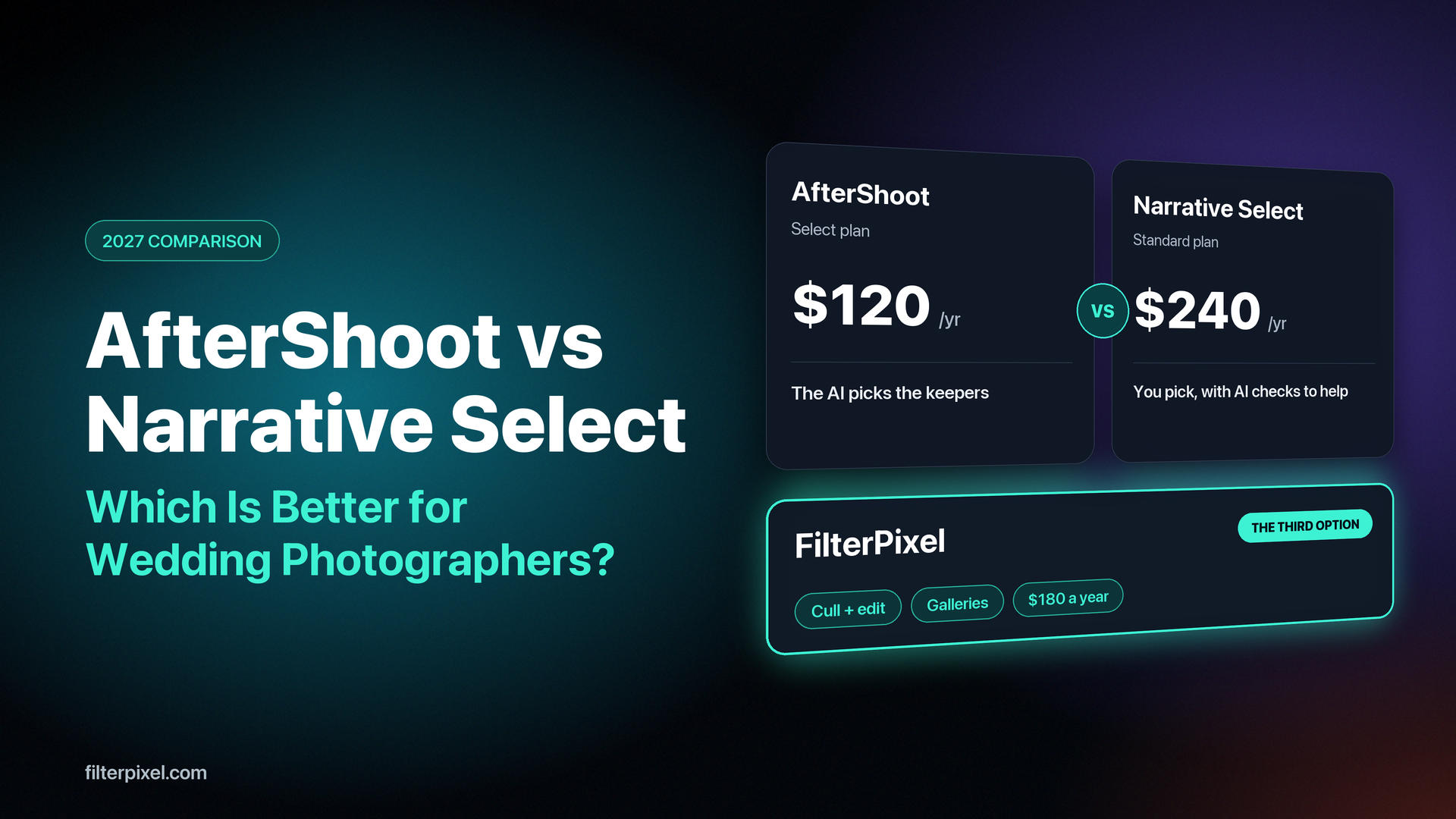


Key takeaway: AfterShoot Select chooses the photographs for you and asks you to check its work. Narrative Select shows you every frame and gives you better tools for choosing. Both start at $120 a year, but Narrative's $120 plan leaves out the Scenes View, Image Rank and Close-ups Panel that people recommend it for, and those start at $240 a year. For a wedding photographer who wants the first cut made for them, AfterShoot is the better buy of the two.
There is a third option if you also want the edit and the gallery. FilterPixel culls, edits and delivers a wedding for $180 a year.
Prices verified 20 November 2026 on AfterShoot's and Narrative's own pages. AfterShoot is taking 20% off annual plans until 27 November, Narrative 30% off the first year this month and FilterPixel 50% off annual plans this week, so everything below is the regular USD price on annual billing.
It is the Monday after a wedding. There are 3,200 frames on the drive, the couple has already asked when they can see something, and you have two free trials open in two windows. One of them offers to choose the photographs for you. The other promises to help you choose them faster yourself.
That is the whole difference between AfterShoot and Narrative Select, and almost every other question about them follows from it. They are usually compared as if they were two versions of the same product, with a table of features and a winner at the bottom. They are closer to two different answers to the question of how much of the cull you are willing to hand over.
We build FilterPixel, which is a third answer to that question, and for a photographer who wants the whole wedding off the desk it is the one we would give. First, the two tools you came to compare.
AfterShoot vs Narrative Select: automatic or assisted
AfterShoot Select makes the picks. You drop in the RAW files and it flags blurry frames, closed eyes and blown exposures, groups near-identical frames together, and builds a selection around a target number that you set. When it finishes you are looking at a shortlist, sorted into selected, highlights, closed eyes, blur and duplicates. Your job is to check it. Before it starts, AfterShoot asks what kind of shoot this is. Its support article on culling genres lists weddings and engagements, portraits, family sessions, boudoir, sports, school work and newborns, and says the wedding setting looks for key faces, closed eyes and emotion.
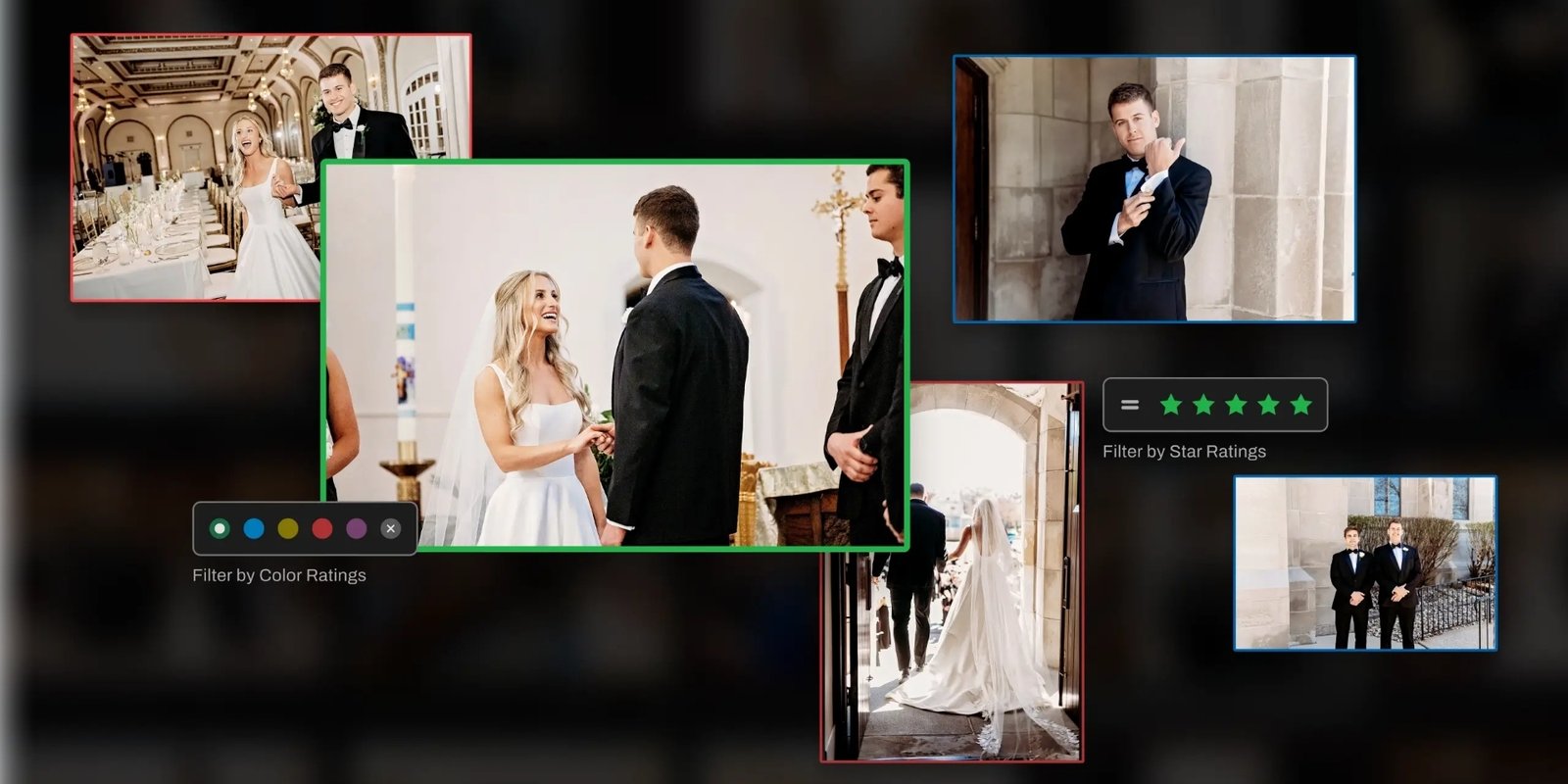
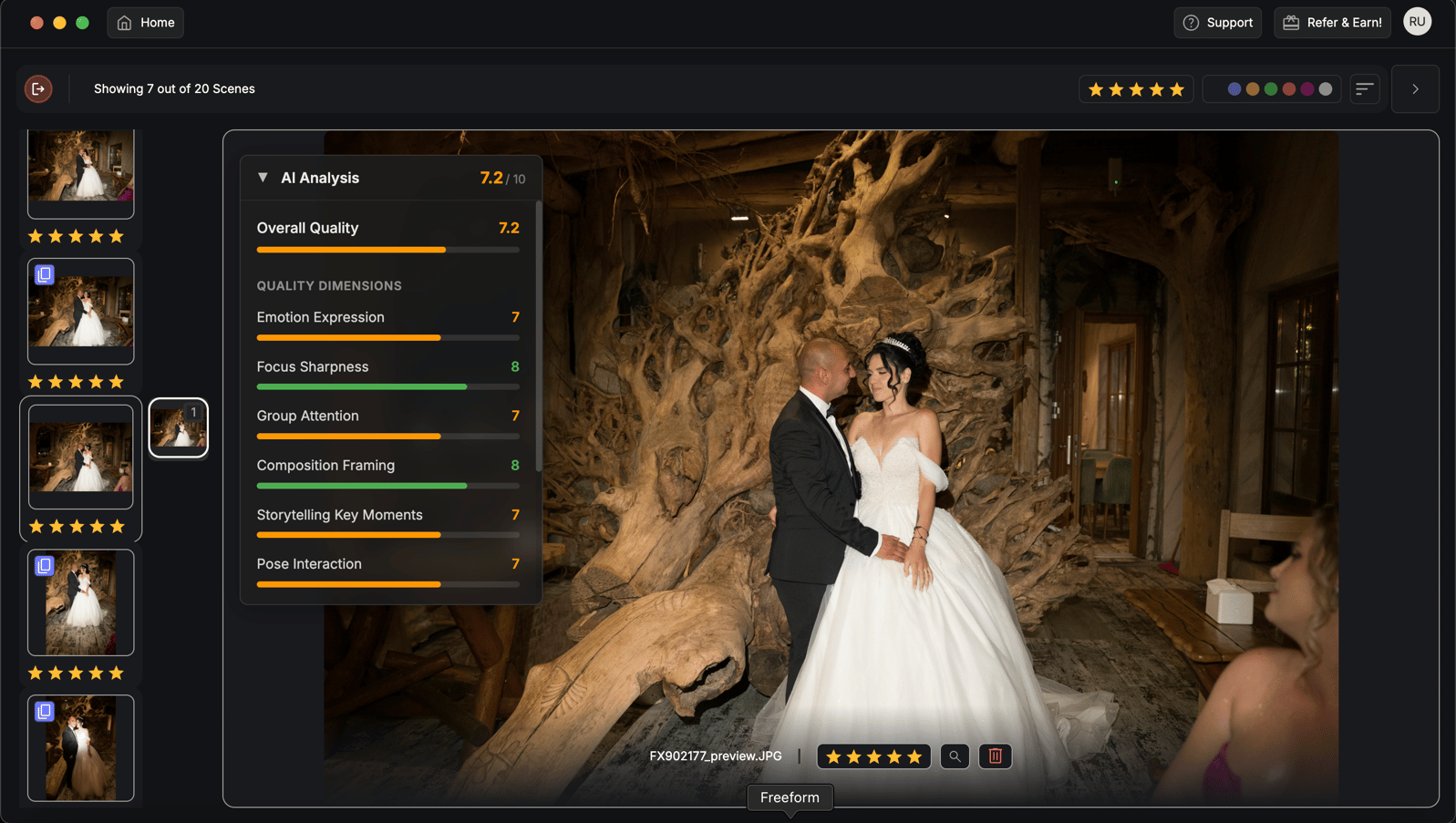
Narrative Select helps you make the picks. You still go through the shoot. What changes is how quickly each decision can be made, because Narrative shows eye and focus assessments, a Scenes View, an Image Rank and a Close-ups Panel that puts the faces in front of you. Every frame that survives is one you chose.

Neither approach is wrong. An automatic cull saves the most time when it is right, and costs you a second pass through the shoot when you do not trust it. An assisted cull never surprises you, and it still takes an evening. Which of those you can live with is a matter of temperament as much as software.
Independent reviewers describe the split the same way. Fstoppers' 2026 guide to AI culling tools says AfterShoot hands back keepers from a folder you never opened, while Narrative gives you a faster cockpit and expects you to fly it, which on a 6,000-frame wedding is measurably more of your evening. Its review of Narrative Select made the same point from the user's chair: however fast the viewer is, you are still looking through each image and clicking.
AfterShoot vs Narrative Select pricing
| Plan | Per year | Per month, billed yearly | What you get |
|---|---|---|---|
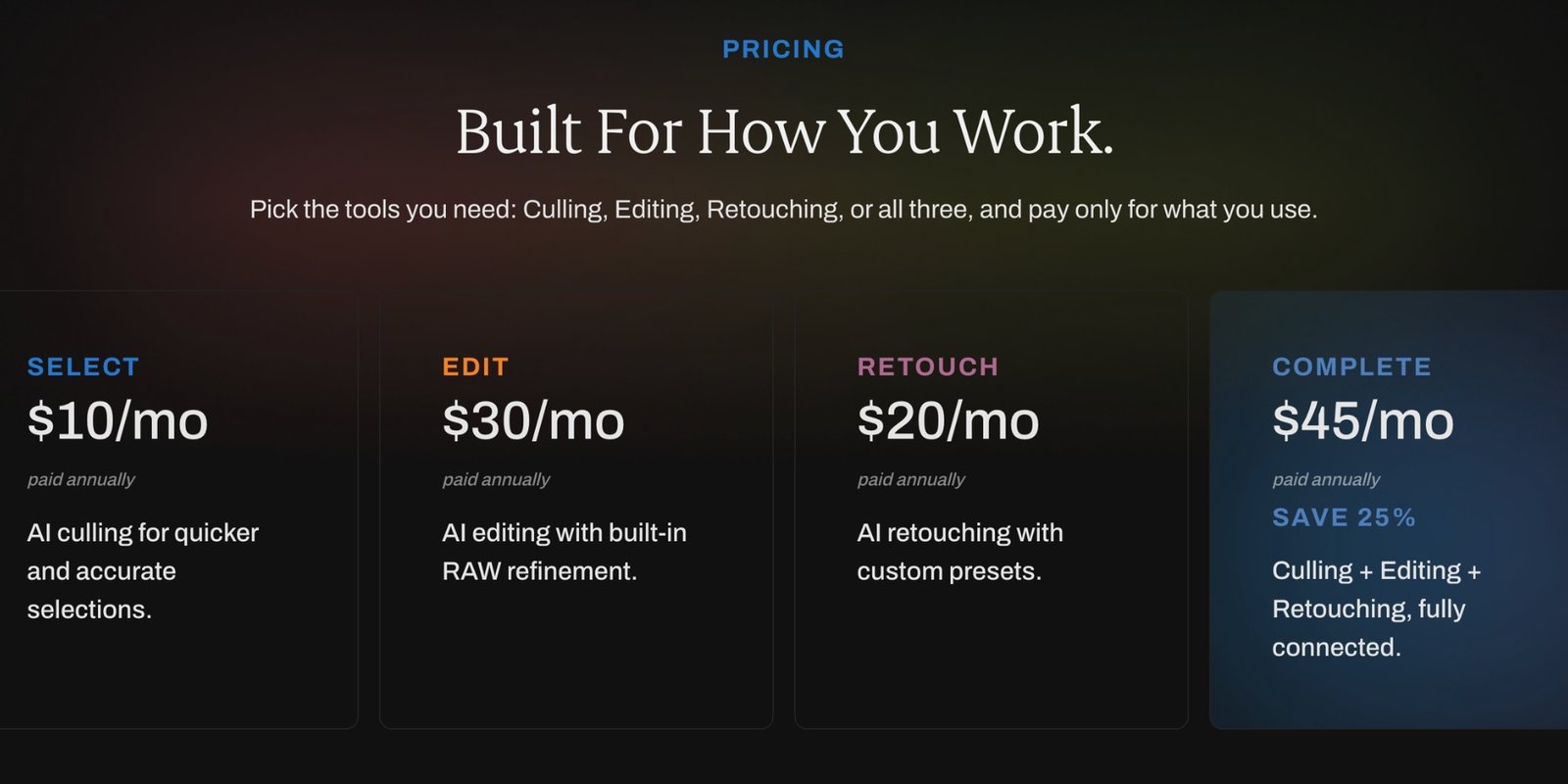
| AfterShoot Select | $120 | $10 | AI culling, Cull to Target, duplicate grouping, Key Face Detection |
| AfterShoot Select plus Edit | $480 | $40 | Culling and AI editing |
| AfterShoot Complete | $540 | $45 | Culling, editing and retouching |
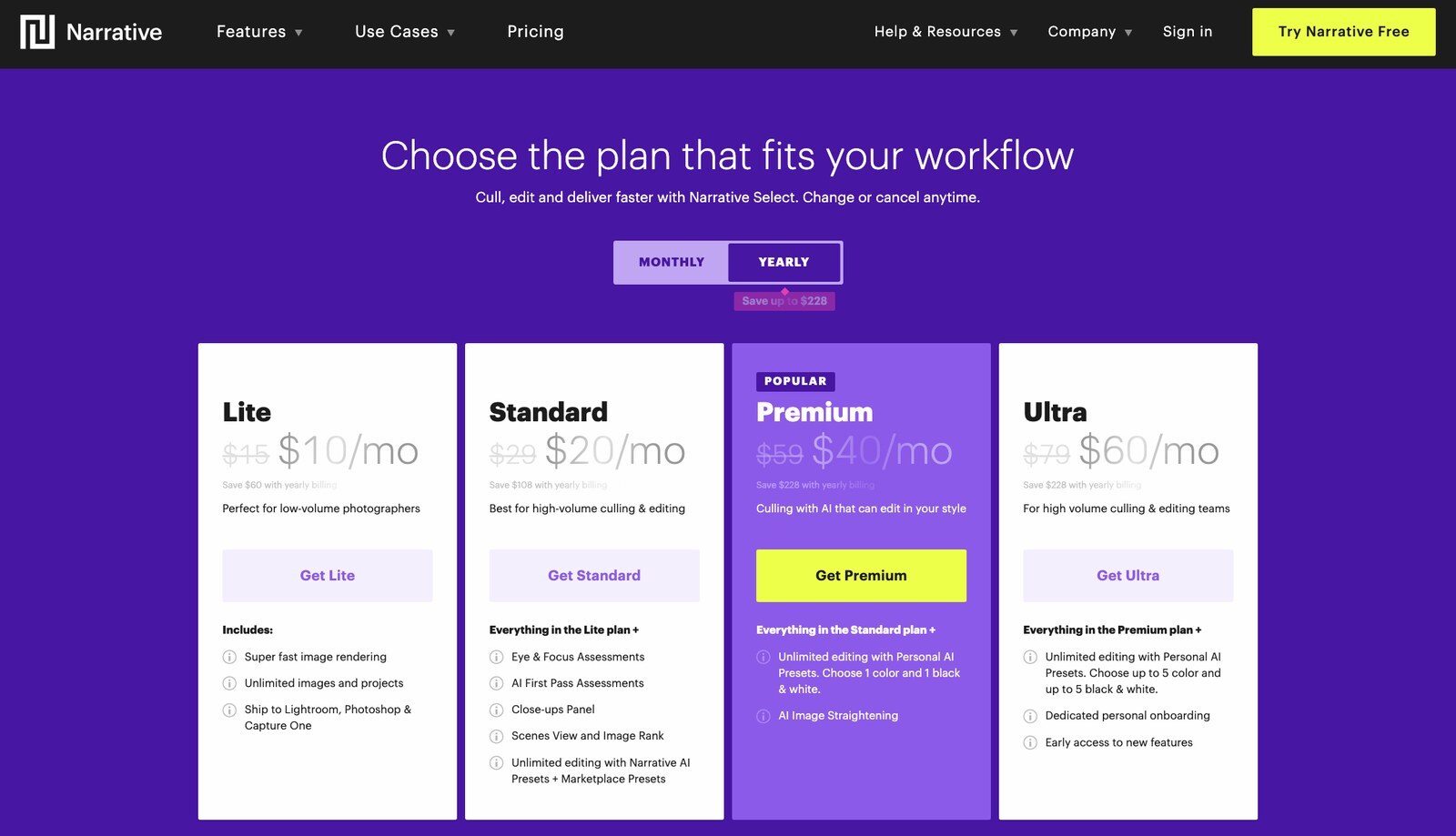
| Narrative Select Lite | $120 | $10 | Fast viewing, unlimited images, one active user. Eye and focus checks on hover only |
| Narrative Select Standard | $240 | $20 | AI First Pass Assessments, Scenes View, Image Rank, Close-ups Panel, AI preset editing |
| Narrative Select Premium | $480 | $40 | One personal AI preset in colour and one in black and white, two active users |
| Narrative Select Ultra | $720 | $60 | Up to five personal presets of each kind, four active users |
Billed monthly, Narrative costs $15, $29, $59 and $79. AfterShoot also sells monthly billing at a higher rate than annual.
The two entry prices are identical and the two products are not. For $120 a year AfterShoot gives you its full AI cull. For the same $120, Narrative gives you a fast viewer with eye and focus checks that appear only when you hover over a face. The features that made Narrative's name start at Standard, so the fair comparison for AI-assisted culling is $120 against $240.
What each price leaves out
AfterShoot runs on your computer. That is a strength when the wifi is bad, and a cost when the laptop is old, because the minimum is 8 GB of RAM and the cull is only as fast as the machine. AfterShoot's own Select page warns that it may not work reliably on Intel integrated graphics. If you want AfterShoot to edit as well, a personal editing profile needs at least 2,500 of your own edited photos to train on, and AfterShoot recommends 5,000. Client galleries are a separate product: 10 GB is free and 500 GB is $15 a month on annual billing.
AfterShoot's picks still need a second look. That is not our claim. The same Fstoppers guide makes AfterShoot its pick for automatic culling and still tells readers to review its rejects on any job that matters, because the software cannot tell that the slightly soft frame is the one where the father of the bride finally cried. Digital Camera World's review lists one drawback, that it sometimes selects portraits with half-closed eyes.
Narrative has no permanent free plan any more. New accounts get a free trial of the top plan and then choose. Lite and Standard allow one active user, so a second shooter or an assistant culling alongside you means Premium at $480. And editing in Narrative depends on Adobe: applying an AI preset needs Lightroom or Lightroom Classic, and training a personal preset needs at least 1,500 edited photos from your Lightroom Classic catalogs, which are uploaded to Narrative's servers.
Can you use AfterShoot or Narrative Select on Windows?
Both run on Mac and Windows. Narrative Select launched on Windows in June 2023. This is worth saying plainly because several comparison pages that rank for this search still describe Narrative Select as Mac-only, and that is out of date.
What is true is narrower. Three of Narrative's features are Mac-only for now, which are People Filter, Key Element Detection and Key People Highlighting, and HEIC files are not yet supported on Windows. If you cull on a Windows machine, check that the features you were sold on are among the ones you will get. AfterShoot needs at least 8 GB of RAM on either system.
Do you need an internet connection to cull?
AfterShoot and Narrative Select both do their culling on your own computer, so neither needs a connection once it is installed. If you cull on the flight home or in a venue with no signal, that matters.
FilterPixel works the other way round, on purpose. It scores in the cloud, sending small previews while your RAW files stay on your computer. The benefit is that the scoring does not depend on how powerful your laptop is. The cost is that you need to be online.
Getting the picks into Lightroom
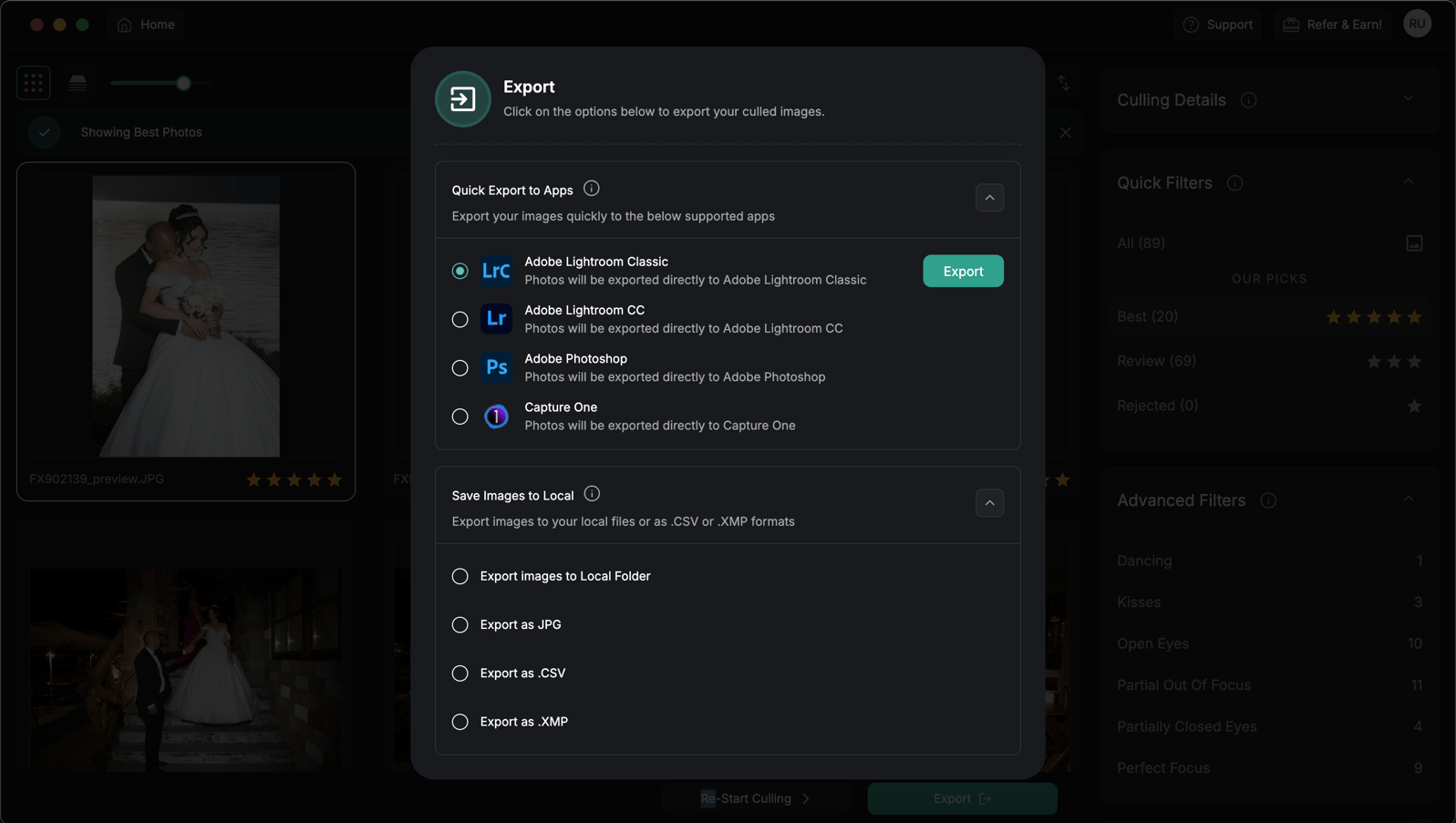
AfterShoot is a separate app that sits before Lightroom. You cull from the card or a folder, and when you export to Lightroom Classic or Capture One the star ratings, colour labels and flags are kept. Narrative Select is also its own app. It ships selects to Lightroom Classic on Mac and Windows, and to Lightroom, Photoshop and Capture One on Mac. FilterPixel exports the selects to Lightroom Classic, Lightroom, Photoshop or Capture One with star ratings applied.
The third option: FilterPixel
Most of the wedding photographers who compare these two are not really shopping for a culling tool. They want the wedding off their desk. That means the cull, then the edit, then a gallery the couple can open, and with either AfterShoot or Narrative those are two or three separate bills.
| AfterShoot Select plus Edit | Narrative Select Standard | FilterPixel Standard | |
|---|---|---|---|
| Price per year | $480 | $240 | $180 |
| Per month, billed yearly | $40 | $20 | $15 |
| Who makes the picks | The AI | You, with AI assessments | The AI, to the number you set, with a score and a reason on each |
| Editing | ✅ Included in this plan | ⚠️ Presets, applied through Lightroom | ✅ Included, in the same app |
| Client gallery | ⚠️ Separate product | ❌ Not included | ✅ Included, with Face Search for guests |
| Where the AI runs | On your computer | On your computer | In the cloud. Your RAW files stay on your computer |
| Free to test | 30 days, no card | Free trial, no card | 3 DeepCull shoots, 3,000 photos, no card |
The part of this we have worked on longest is trust. An automatic cull is only worth having if you do not have to check every frame afterwards, and we have written before about photographers who run one and then go back through the whole shoot because the software kept the sharpest frame and missed the one where the grandmother started crying. DeepCull has a wedding mode with its own scoring criteria. You tell it how many photographs you need, and beside every frame it keeps it writes the reason. Checking four hundred picks that each come with a reason is a different job from checking four hundred picks blind.
A wedding photographer walks through his culling workflow, tested on 8,398 wedding photos, in this video on our YouTube channel.
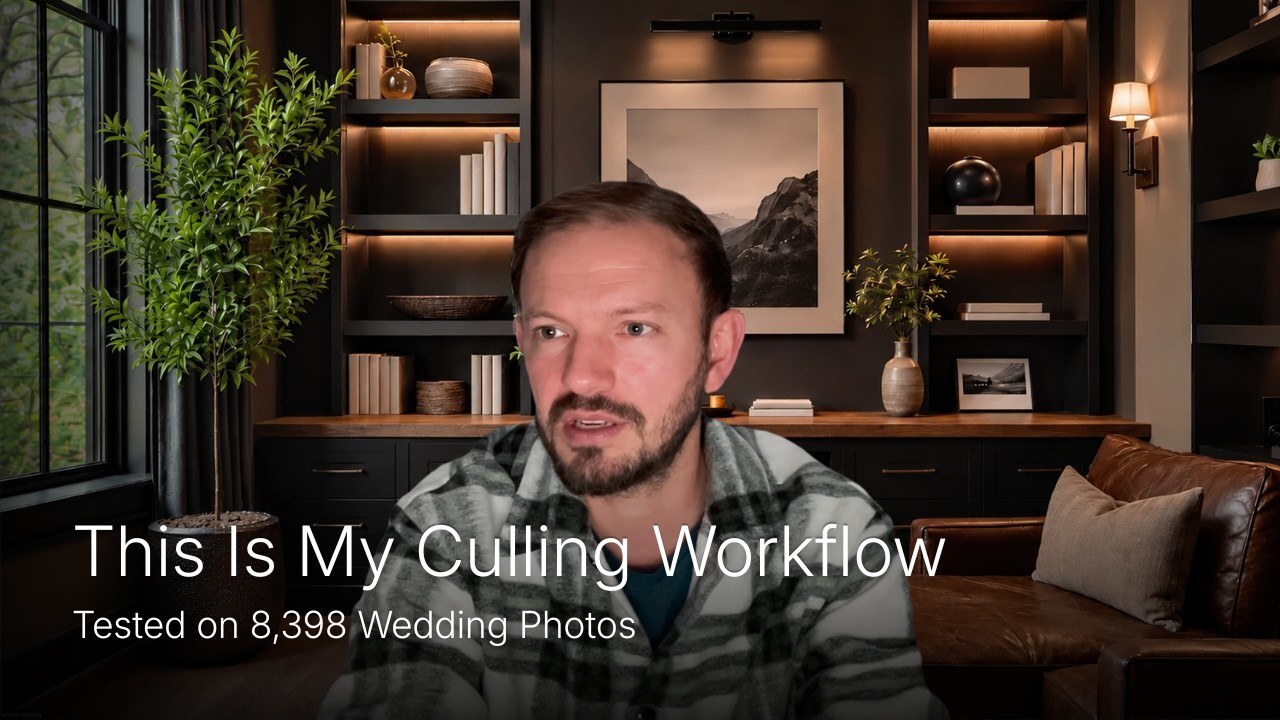
There is also a DeepCull review on a real wedding: 3,400 photos culled in 23 minutes.
The plans do differ on volume, and you should know how. AfterShoot and Narrative are both unlimited. FilterPixel Standard has unlimited basic AI culling and editing, plus 20 DeepCull shoots a year, and further DeepCull shoots are $7.99 each. A photographer who shoots thirty weddings a year should count that before choosing.
A real wedding season, costed out
Take 25 weddings a year at about 3,200 frames each, with 600 photos delivered from every one. That delivery figure is in the usual range: when Shotkit surveyed 1,850 wedding photographers, most said they deliver between 500 and 800 photos, and the main reason given for slow delivery was the editing workload.
| Setup | What it covers | Cost for the year |
|---|---|---|
| AfterShoot Select | The cull. Editing and galleries are extra. | $120 |
| AfterShoot Select plus Edit | The cull and the edit, once your profile is trained. | $480 |
| AfterShoot Select plus Edit, with Galleries at 500 GB | The cull, the edit and the delivery, on three products. | $660 |
| Narrative Select Standard | An assisted cull that you make yourself, and presets applied through Lightroom, which you pay Adobe for separately. | $240 |
| FilterPixel Standard | The cull, the edit and the gallery with Face Search. 20 DeepCull weddings are in the plan and the other 5 are $7.99 each. | $219.95 |
AfterShoot Select on its own is the cheapest line in that table, and it stops at the cull. Once the edit is counted FilterPixel costs less than half of AfterShoot, and once the gallery is counted it costs a third.
Which is better for wedding photographers?
Choose AfterShoot Select if you want the first cut made for you, you are comfortable checking a shortlist, and your computer has the memory to run it. It does more of the work than Narrative for half the price of Narrative's AI plan.
Choose Narrative Select Standard if handing the first cut to software makes you uneasy and you would rather make every pick yourself, only faster. It is the better tool for a photographer who enjoys the cull and wants it to hurt less.
Choose FilterPixel if what you want is the wedding delivered. It does the cull, the edit and the gallery in one place for $180 a year, and the guests can find their own photos with a selfie.
For event and conference photographers the answer shifts further. Narrative's frame-by-frame approach suits a wedding, where you know every face that matters. It is hard work on 4,000 frames of people at lecterns, where the client wants 300 by morning.
If you want the detail behind any of these, we have a plan-by-plan guide to AfterShoot pricing and one to Narrative Select pricing, direct comparisons of FilterPixel vs AfterShoot and FilterPixel vs Narrative Select, and a walkthrough of how to cull wedding photos.
Common questions about AfterShoot and Narrative Select
Is AfterShoot better than Narrative Select?
For automatic culling it is, because AfterShoot picks the keepers and Narrative Select helps you pick them. Narrative is the better choice if you do not want software making the first cut.
Is Narrative Select worth it?
At $240 a year for Standard it is worth it if you want to choose every frame yourself. The $120 Lite plan leaves out the Scenes View, Image Rank and Close-ups Panel that people usually recommend Narrative for.
Is Narrative Select still free?
No. There is no permanent free plan. Plans start at $120 a year, and the full AI assessments start at $240.
Which is cheaper, AfterShoot or Narrative Select?
Both start at $120 a year. AfterShoot's AI culling costs $120, and Narrative's full AI assessments cost $240.
Do AfterShoot and Narrative Select edit photos?
AfterShoot Edit is a separate plan at $360 a year, or $480 with culling. Narrative applies AI presets from the Standard plan, through Lightroom.
Is there one tool that culls and edits a wedding?
FilterPixel Standard does both for $180 a year and includes Client Galleries. Uploaded client photos are not used to market or for any unethical use.
Try it on your last wedding
Download FilterPixel and run a wedding you have already delivered through DeepCull. Compare its picks, and the reasons it gives, with the ones you made yourself. You can try it free first, with 3 DeepCull shoots, 3,000 photos and no card needed, and it is the fairest test we can think of.