FOUNDING VENUES · 2026–27For museums, galleries & exhibitions

Museum photo systemA photo with your star exhibit, on every visitor's phone before the gift shop.

Visitors stand under the whale skeleton or beside the rocket, and a tablet on a stand takes the picture. FilterPixel keeps the best shot, finds each visitor in it and sends a private album to their phone while they are still in the galleries. They buy with a tap. Nothing is fixed to a wall, and no kiosk stands in the foyer.

Runs on tablets, phones and the cameras your team already owns.
1selfie finds a visitor in every photo of the visit
0kiosks in the foyer or fixings in a wall
12months the visit album stays open
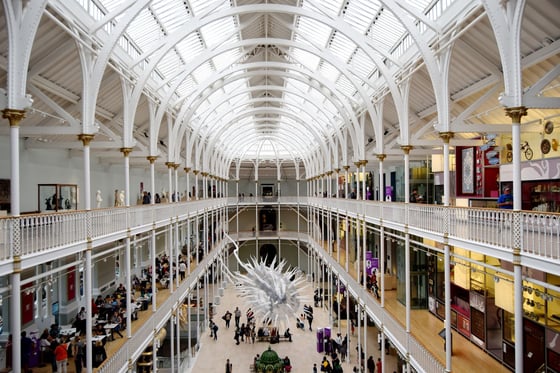
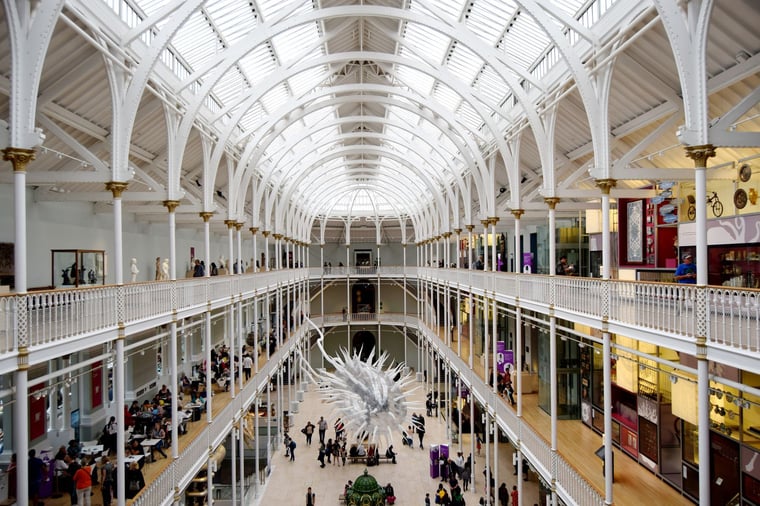
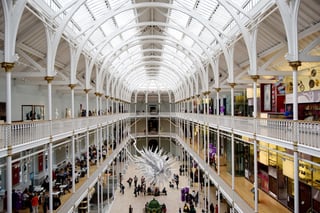
Visitors in a museum's glass-roofed grand galleryGrand gallery
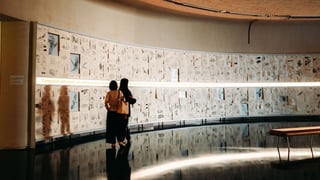
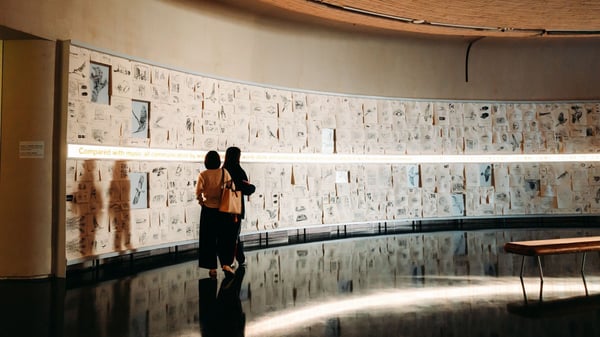
Two visitors looking at a long exhibit wallAt the exhibit
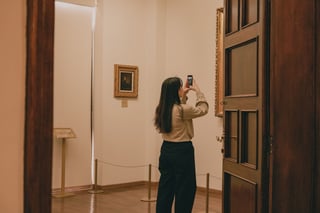
Visitor photographing a painting with a phoneOn the phone
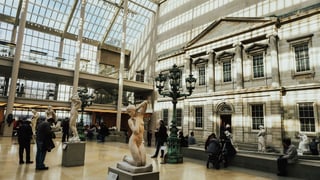
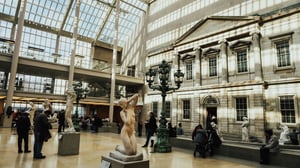
Visitors in a museum sculpture court under a glass roofAtrium
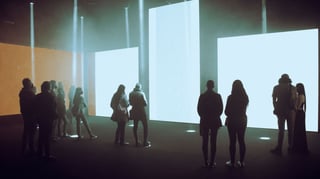
Visitors silhouetted in front of large light panelsInstallations
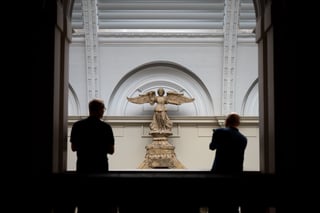
Two visitors looking at a winged statueStar exhibit
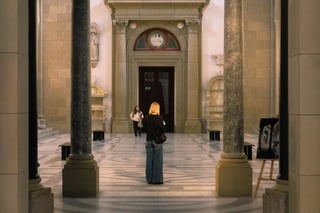
Visitors in a marble museum hallGalleries
The problem

Visitors queue for a photo with your star exhibit. Few go home with a good one.

01

Nobody is there to take the photo

Visitors hold a phone at arm's length and get half a face and a reflection in the glass.

02

Galleries can't take photo equipment

Conservation rules out flash, tripods and anything drilled into a listed wall.

03

The visit ends at the exit

Once visitors walk out, their photos stay behind and nobody can buy from home.

The visitor journey

From the ticket desk to the next exhibition.

Visitors in a museum's glass-roofed grand gallery
01 · AT THE ENTRANCE

A selfie on the way in.

Visitors scan a code at the ticket desk and take one selfie. Every photo of them now finds its way to their phone.
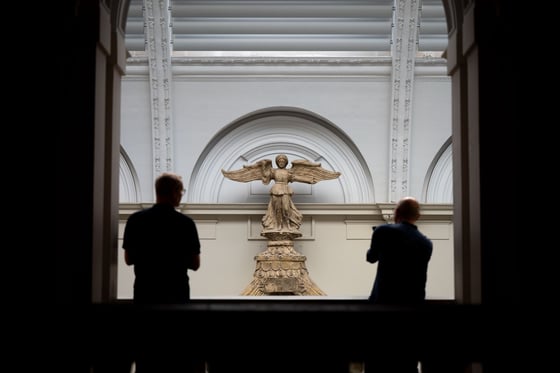
Two visitors looking at a winged statue
02 · AT THE STAR EXHIBIT

A tablet where photos are welcome.

Stand a tablet beside the star exhibit and visitors photograph themselves. The flash stays off and nothing touches the wall.
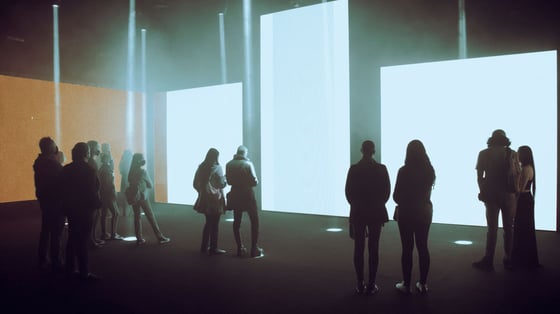
Visitors silhouetted in front of large light panels
03 · OPENINGS AND LATES

Your photographer covers the busy nights.

At private views and late openings your photographer works the room with the camera they already own.
04 · MINUTES LATER

Blinks and glare are left out.

DeepCull picks the frame where everyone looks their best and gives every photo the same clean look.
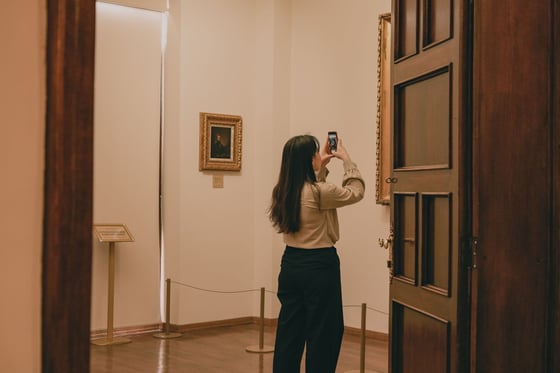
Visitor holding up a phone in front of a painting
05 · BEFORE THE GIFT SHOP

The album arrives while they're inside.

Every photo they are in appears on their phone, ready to buy and share before they reach the shop.
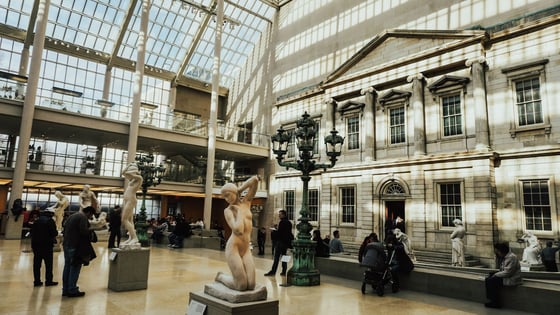
Visitors in a museum sculpture court under a glass roof
06 · AFTER THE VISIT

The visit stays on their phone.

The album stays open for twelve months, and a reminder goes out before it closes.

Running today at conferences and brand events: best-frame selection, branded albums opened by QR code or selfie, and sharing. Opening with our founding venues for the 2026–27 season: the visit-long album, tablet photo spots, camera feeds, destination scenes, checkout, prints and the operator console.

More to sell

Three more things visitors take home.

Scenes

Inside the painting, without a green screen

A plain foyer wall becomes your key artwork or the lunar surface, using images you hold the rights to.

Prints

Prints waiting at the shop till

Orders go to the printer your shop already owns, or a framed print is posted home.

Schools

One class photo that reaches every parent

The teacher holds one code for the group, and no pupil is ever matched by face.

Software, not hardware

The same photo sales. Nothing fixed to a listed wall.

The jobHardware photo systemsFilterPixel
Knowing whose photo it isPrinted photo passes and claim ticketsOne selfie, or a code on the visitor's phone
A photo spot at the star exhibitCapture boxes and fixed camera rigsA tablet on a floor stand
Themed photosGreen-screen booth and lightingA plain foyer wall, with the artwork added in software
Picking and editingStaff at a back-office workstationDone automatically, in minutes
OrderingOrder kiosks in the foyerThe visitor's own phone
PrintsDedicated print stationsThe shop printer you own, or posted home
A new temporary exhibitionMove, reinstall and re-test equipmentMove the tablet and print a new QR code

Hardware photo systems include GoPhoto, Image Insight and Pomvom. Equipment and features vary by vendor. FilterPixel also works alongside cameras and printers you already have.

For operators

Your front-of-house team runs it. The museum keeps the income.

There is no concession taking a cut and no equipment to lease. One console covers every site and every touring show.

What you control

  • Today's numbersVisitors photographed, albums opened and sales for each photo spot and each hour.
  • Prices per exhibitionOne photo, the visit album or a family bundle, priced by you for each show.
  • Your name on every photoLogo, exhibition frame and scenes go on without anyone editing.
  • Every site in one placeMuseums and touring exhibitions share pricing and reporting.
  • The follow-upYou choose what the reminder says before an album closes.
  • How long photos are keptSet the period once, and photos and face data are deleted when it ends.
  • Payments in your accountPhoto income reaches the museum through its own payment provider.
  • Your ticketing dataLoad bookings before the visit so albums are ready when visitors arrive.
Guest privacy

Visitors stay in control

Finding photos by selfie is opt-in and for adults only, and you can switch it off for a whole site. Visitors who prefer not to use it get the same album with a code. Children are never matched by face: they join through an adult's album or a code. Anyone can delete their album and face data from their phone, and you decide how long photos are kept. Rules on face data differ by country and state, including the GDPR, so confirm the setup for each site with your own counsel.

Your numbers

See what photos could earn at your museum.

Put in your own figures. The starting values are placeholders, not benchmarks.

Photo revenue per year—
Who it's for

Built for places where the collection is the draw.

01

Museums and science centres

Star objects, hands-on galleries and family trails land in one visit album.

02

Temporary and touring exhibitions

The photo spot opens with the show and leaves in a bag when it moves on.

03

Heritage sites and historic houses

A tablet on a stand and a printed code are all that enters the building.

04

Learning and group-visit teams

Every parent gets the class photo through one code held by the teacher.

Running a tower or a viewpoint? See the observation deck photo system or the full guest photo platform. Every use case is on FilterPixel for Business.

Quick answer

What is a museum photo system?

A museum photo system runs a museum's visitor photo programme. It photographs visitors at the exhibits they came for, finds each visitor in the photos, and sells albums and prints. Older systems need capture boxes, printed passes and order kiosks in the foyer. FilterPixel does the same job on tablets and the cameras you already own, and delivers to the visitor's own phone.

  1. CaptureA tablet at the exhibit, or your photographer.
  2. DeliverOne private album per visitor, within minutes.
  3. SellOn their phone, in the building and after the visit.
Founding venues

Open your first photo spot before the next exhibition.

We are onboarding a small group of museums and exhibitions for 2026–27. Start with one exhibit, and see the numbers before you add a second.

  • Running in days, with nothing fixed to a wall
  • Your team, your brand, your visitor data
  • Terms agreed in writing before you start

See it at your venue

Tell us about your museum or exhibition.

Please add your name.
Please add your museum or organisation.
Please enter a valid work email.
Add your country code, e.g. +1 415 555 0134.

By submitting, you agree to our Privacy Policy. Prefer to talk? Book a call with us.

FAQ

Museum photo system FAQ

Software that runs a museum's visitor photo programme from the photo to the sale. It photographs visitors at your best-loved exhibits, finds each visitor in the photos, and sells albums and prints on their phone.

No. A tablet on a stand is the photo spot, and visitors see and buy their photos on their own phone. If you already have cameras or a shop printer, FilterPixel works alongside them.

Photo spots go where photography is already welcome, such as the atrium or the entrance to an exhibition. Tablets shoot with the flash off and sit on a floor stand, and each position is agreed with your conservation team.

They scan a QR code at the ticket desk, then take one selfie or get a short code. Their photos gather in one album in the phone's browser, with no app to install.

Automatic selection of the best frame, one consistent edit, branded albums opened by QR code or opt-in selfie, and sharing run today on DeepCull and FilterPixel Live at conferences and brand events. The visit-long album, tablet photo spots, camera feeds, destination scenes, guest checkout, prints, reminders after the visit and the operator console open with our founding venues for the 2026–27 season.

By code only. The teacher holds one group code, the class photos are filed against it, and the school shares the link with parents.

Yes. Visitors are separated from the background in software, so a plain foyer wall is enough. You choose the scenes, using imagery you hold the rights to.

Usually within minutes of being taken, while the visitor is still in the building.

Yes. Print orders go to a printer the shop already owns for pickup at the till, or are posted to the visitor's home.

Yes. The visit album stays online for 12 months by default, and you can make that shorter or longer. Visitors are reminded before it closes.

It is opt-in, for adults only, and can be switched off for a whole site. Children are never matched by face; their photos join the family album through an adult or a code. Guests can delete their album and face data at any time, and because rules vary by country and state you should confirm the setup with your own counsel.

A platform fee per venue and a fee per order, with no equipment to buy or lease. Terms are agreed in writing before you start.

Updated 5 October 2026