
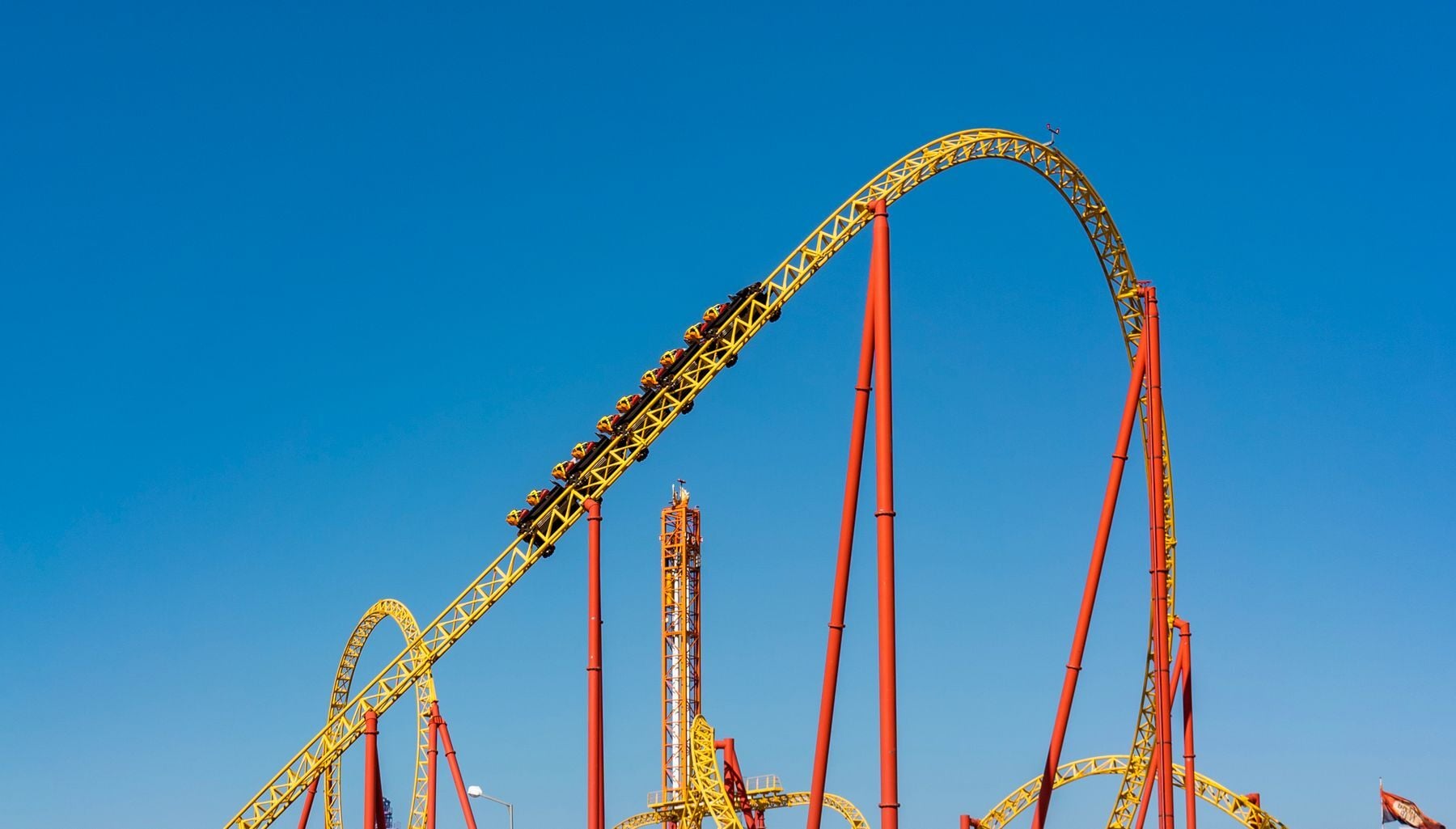


The coaster drops, the camera fires, and a few moments later a family walks past a wall of monitors on the way to the next ride. Some stop and buy. Most keep walking. Every theme park photography programme is built around that short walk between the photo and the exit.
This guide looks at how parks sell ride and attraction photos today, from the kiosk after the ride to day packages, where sales are lost, and what helps more guests buy.
How theme park photography works today
Most parks run several kinds of photo points at once:
- Ride cameras fixed at the most intense moment of a coaster or water ride.
- Roaming and character photographers at entrances, landmarks and meet-and-greets.
- Green screen and studio sets that add a themed background.
- Kiosks, apps and websites where guests find and buy their photos.
The traditional sale happens at a kiosk: guests see their ride photo after exiting and can buy a print or a digital copy. Attractions.io describes guests typing in the code shown on their photo, scanning an ID code, or collecting a card to scan into their device later.
Photo packages: PhotoPass and My Universal Photos
The largest parks have added packages to single sales. Disney PhotoPass, launched in December 2004, links photos to a guest's park ticket or MagicBand and their Disney account, and the Memory Maker package unlocks unlimited downloads, including in-ride photos and videos. According to Attractions.io, Disney takes over 100,000 photos a day for PhotoPass subscribers.
At Universal Orlando, photographers hand guests a My Universal Photos card with a QR code, ride photos appear on monitors at the exit, and guests choose a one-day or three-day package, according to Orlando Informer.
Cruise lines sell photos the same way, with tighter deadlines. See how cruise photo packages work.
Where ride photo sales are lost
Whatever the model, the same few moments decide whether a guest buys.
The exit walk is too short
A guest sees their ride photo on a monitor briefly while the line moves them along. If the frame isn't flattering, or the kiosk has a queue, the sale is gone.
Photos aren't linked to the guest
A photo nobody can find is a photo nobody buys. Codes that are easy to forget, cards left in a pocket and apps guests never downloaded all break the link between the photo and the person in it.
Too many near-identical frames
Roaming and character photographers shoot bursts. A guest scrolling version after version of the same pose is less likely to choose one than a guest shown the single best frame.
Previews expire before guests decide
Watermarked previews are often viewable only for a limited period; PhotoPass photos, for example, can be viewed with watermarks for a period that varies by resort. Guests who meant to buy later forget, and the window closes.
Five ways parks sell more ride and attraction photos
- Link every photo at capture. Use something the guest already carries, such as a QR ticket, wristband or photo card, so no photo is left without an owner.
- Show the best frame first. Lead with the strongest frame from each burst instead of the whole sequence.
- Put previews on the guest's phone before they leave. A preview in their pocket survives the walk past the kiosk.
- Offer a day package as well as single photos. Disney and Universal both sell packages, and smaller operators can offer the same choice.
- Brand every photo. A park logo or frame turns each shared photo into marketing.
| Sales model | How guests find photos | When they buy | Where sales drop off |
|---|---|---|---|
| Kiosk after the ride | Monitor and code at the exit | Right after riding | Queues or a weak frame |
| Photo card with an online store | Card or QR code scanned later | After the visit | Guests forget to look |
| Day package (PhotoPass, My Universal Photos) | Ticket, band or card linked to an account | Before or during the visit | The upfront price |
| Previews on the guest's phone before exit | Ticket or code scanned in the browser | While still in the park | Areas with weak signal |
Attraction photography at burst-heavy photo points
Ride cameras take a few fixed frames, so there is little to choose from. Roaming, character and green screen photo points are different: photographers shoot bursts of near-identical frames, guests move on quickly, and someone has to pick the frame worth selling.
That selection step is what FilterPixel does today. DeepCull scores every frame, keeps the best of each burst and applies one consistent edit, so guests see a finished shortlist instead of every frame. Matching photos to a guest's ticket, wristband or photo card, and selling watermarked previews on the guest's phone before they reach the exit, are coming soon. Matching is code-based by default, and children are never matched by face.
See how it fits alongside ride cameras and kiosks in the theme park photography system overview.
Frequently asked questions
How do theme parks take ride photos?
Most use fixed cameras triggered at the most intense moment of the ride, then show the photos on monitors or at a kiosk by the exit, where guests can buy a print or a digital copy.
How do guests find their theme park photos?
Usually with a code on the kiosk screen, a photo card, or a ticket or band linked to an account. Disney PhotoPass links photos to a park ticket or MagicBand, and Universal Orlando photographers hand guests a card with a QR code.
What is attraction photography?
Photography at attraction photo points: ride cameras, roaming and character photographers, green screen sets and studio portraits, sold to guests as prints, downloads or packages.
Why don't more guests buy ride photos?
Common reasons are a short walk past the exit monitors, queues at the kiosk, photos that aren't linked to the guest, and previews that expire before the guest decides.
Does FilterPixel replace ride cameras or kiosks?
No. It works alongside them and focuses on burst-heavy photo points, picking the best frame of every burst today. Guest matching and on-phone sales are coming soon.
Sell the frame before the guest walks away
Theme park photography sells when the right frame reaches the right guest before they leave. Parks that link photos at capture, lead with the best frame and put previews in guests' pockets give every photo a better chance. If you run a park, attraction or cruise photo operation, see how FilterPixel fits your photo points.