Photo print sizes.
Ready at 300 DPI.
Every size at 300 DPI.
| Pixels at 300 DPI | Megapixels needed | Cut from a camera photo | |
|---|---|---|---|
| 4 × 6 in | 1,200 × 1,800 | 2.2 MP | Nothing |
| 5 × 7 in | 1,500 × 2,100 | 3.1 MP | 7% of the long side |
| 8 × 10 in | 2,400 × 3,000 | 7.2 MP | 17% of the long side |
| 8.5 × 11 in | 2,550 × 3,300 | 8.4 MP | 14% of the long side |
| A4 (210 × 297 mm) | 2,480 × 3,508 | 8.7 MP | 6% of the long side |
| 11 × 14 in | 3,300 × 4,200 | 13.9 MP | 15% of the long side |
| 12 × 18 in | 3,600 × 5,400 | 19.4 MP | Nothing |
| 16 × 20 in | 4,800 × 6,000 | 28.8 MP | 17% of the long side |
| 20 × 30 in | 6,000 × 9,000 | 54.0 MP | Nothing |
| 8 × 8 in | 2,400 × 2,400 | 5.8 MP | 33% of the long side |
Three steps. Ready to print.
Drop
A JPG or PNG from your phone or camera.
Pick a size
Drag the frame to choose what stays.
Download
A print-ready JPG at the exact pixels.
The numbers printers want.
Cull and edit in minutes.
Deliver before you leave.
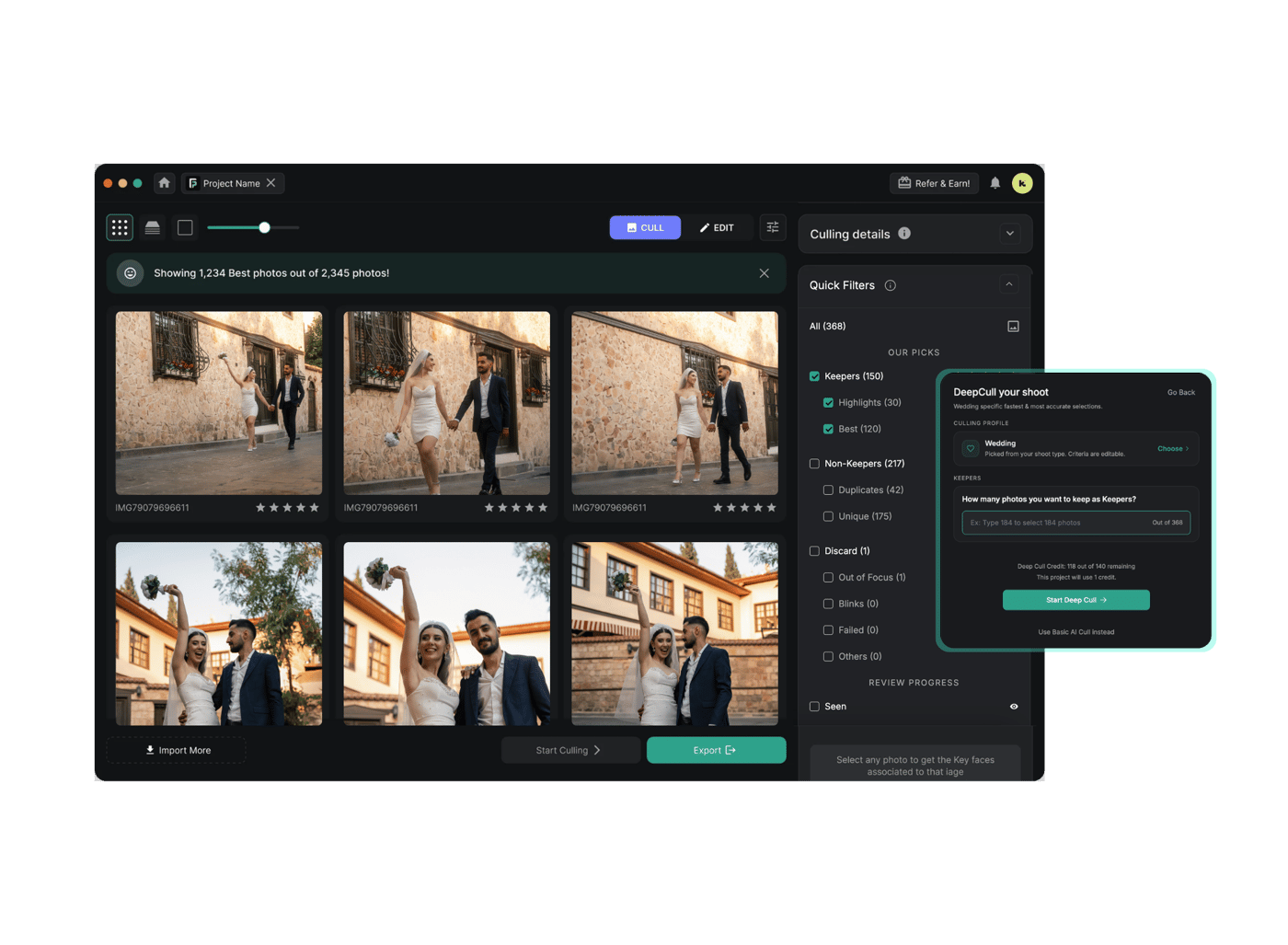
FilterPixel is the app 14,000+ event photographers use to cull and edit the whole shoot.
3 free projects · up to 1,000 photos each · no credit card
Quick answers.
1200 × 1800 pixels at 300 DPI, which is the standard for photo prints. A 4x6 has the same 3:2 shape as most camera photos, so nothing gets cropped.
1500 × 2100 pixels at 300 DPI. A 5x7 is a little squarer than a camera photo, so about 7% comes off the long side.
2400 × 3000 pixels at 300 DPI. An 8x10 is much squarer than a camera photo, so about 17% comes off the long side. Drag the frame in the tool to choose what stays.
4x6, 5x7, 8x10, 8.5x11, 11x14, 12x18, 16x20 and 20x30 inches, plus A4 outside the US. The table on this page has each one in pixels.
300 DPI for anything held in the hand. 240 still looks good, and a large print seen from across a room is fine at 150.
Divide each side in pixels by 300. A 24 megapixel photo, 6000 × 4000, prints sharp up to about 13 × 20 inches. Drop your photo in the tool and it works this out for you.
No. DPI only tells the printer how big to print the pixels you have. To print bigger and stay sharp you need more pixels, which is why the tool shows the real resolution your photo gives at each size.
No. The cropping and resizing run in your browser, and your photo never leaves your computer.
Built for photographers.
Free, no account. Nothing is uploaded. Your photo is resized in your browser.