CR3 to JPG.
Full size, in seconds.
Three steps. Seconds.
Drop
CR3 files, straight off the card.
Convert
We pull out the full-size JPEG your camera made.
Download
Full-size JPGs, the right way up.
What comes back.
Cull and edit in minutes.
Deliver before you leave.
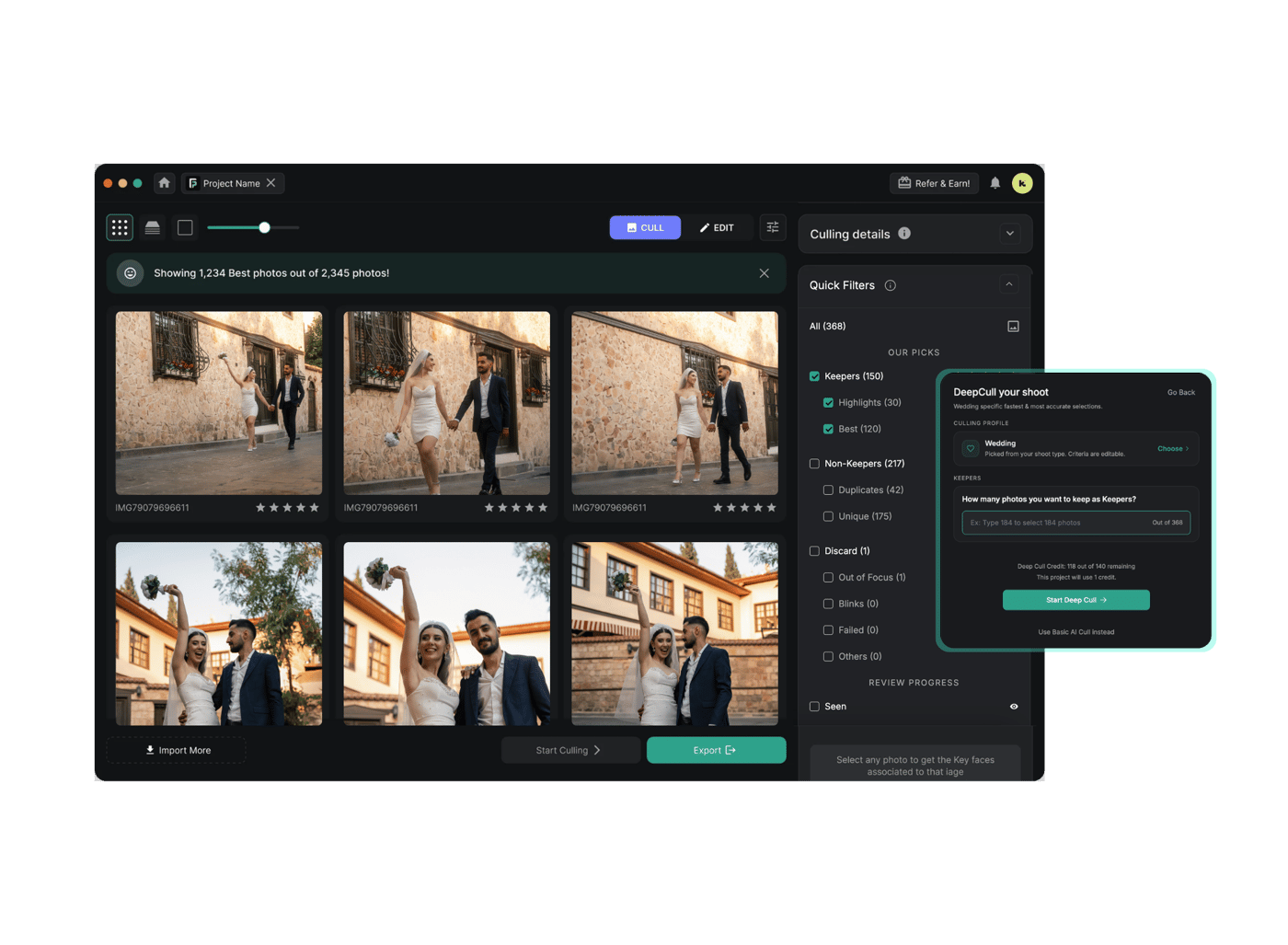
FilterPixel is the app 14,000+ event photographers use to cull and edit the whole shoot.
3 free projects · up to 1,000 photos each · no credit card
Quick answers.
Drop the file on this page and it converts in about a second, then you download the JPG. Nothing to install, no account, and it runs in the browser, so it works on Windows, Mac, a phone or a tablet.
Every CR3 has a full-size JPEG inside it, made by your camera the moment you pressed the shutter. That is what you see on the back screen. We pull that out instead of re-developing the raw, which is why it is fast and why the colour is already right.
If a file has no full-size JPEG inside, we develop the sensor data instead. Either way the orientation is read from the raw, so nothing lands sideways.
Canon's raw format, used on the R series and everything from the M50 onward. It replaced CR2 and uses the same container type as an MP4. Inside is the sensor data plus a full-size JPEG your camera made at the moment of capture.
For editing, yes. A CR3 holds far more highlight and shadow detail, so you can pull back a blown sky or lift a face out of shadow. For sending to a client, JPG is the one that opens everywhere. Most photographers shoot CR3 and deliver JPG.
Recent macOS Preview, Windows Photos with the Raw Image Extension, Lightroom, Capture One and Canon's own DPP all open CR3. Older software usually can't, which is normally why people end up here.
JPG throws some data away, but this writes at quality 92 and full resolution, so you won't see it at any normal viewing size. What you do lose is editing headroom: a JPG won't recover highlights the way the CR3 will. Keep your raw files.
Same way as anywhere else, right on this page. macOS Preview can export a CR3 one at a time, and Photos can batch them, but both re-develop the raw and can shift the colour. This uses your camera's own rendering instead.
Up to 25 at a time here. Beyond that, uploading is the bottleneck rather than the converting, so a few thousand frames are far better done in FilterPixel, where your raw files stay on your computer.
Yes. A Sony A1 or A7R V lossless raw runs 70 to 85 MB and a Canon R5 around 45 to 70 MB, and all of those go through. The ceiling is 250 MB a file, past medium format. Most free converters stop near 20 or 30 MB and don't tell you until after you've waited for the upload.
Built for photographers.
Free, no account. Your raw is deleted as soon as it is converted, and the JPG half an hour after that.