NEF to JPG.
Every pixel.
Three steps. Seconds.
Drop
NEF files, straight off the card.
Convert
Camera JPEG when it is full size. Developed from the raw when it is not.
Download
Full-size JPGs, the right way up.
What comes back.
Cull and edit in minutes.
Deliver before you leave.
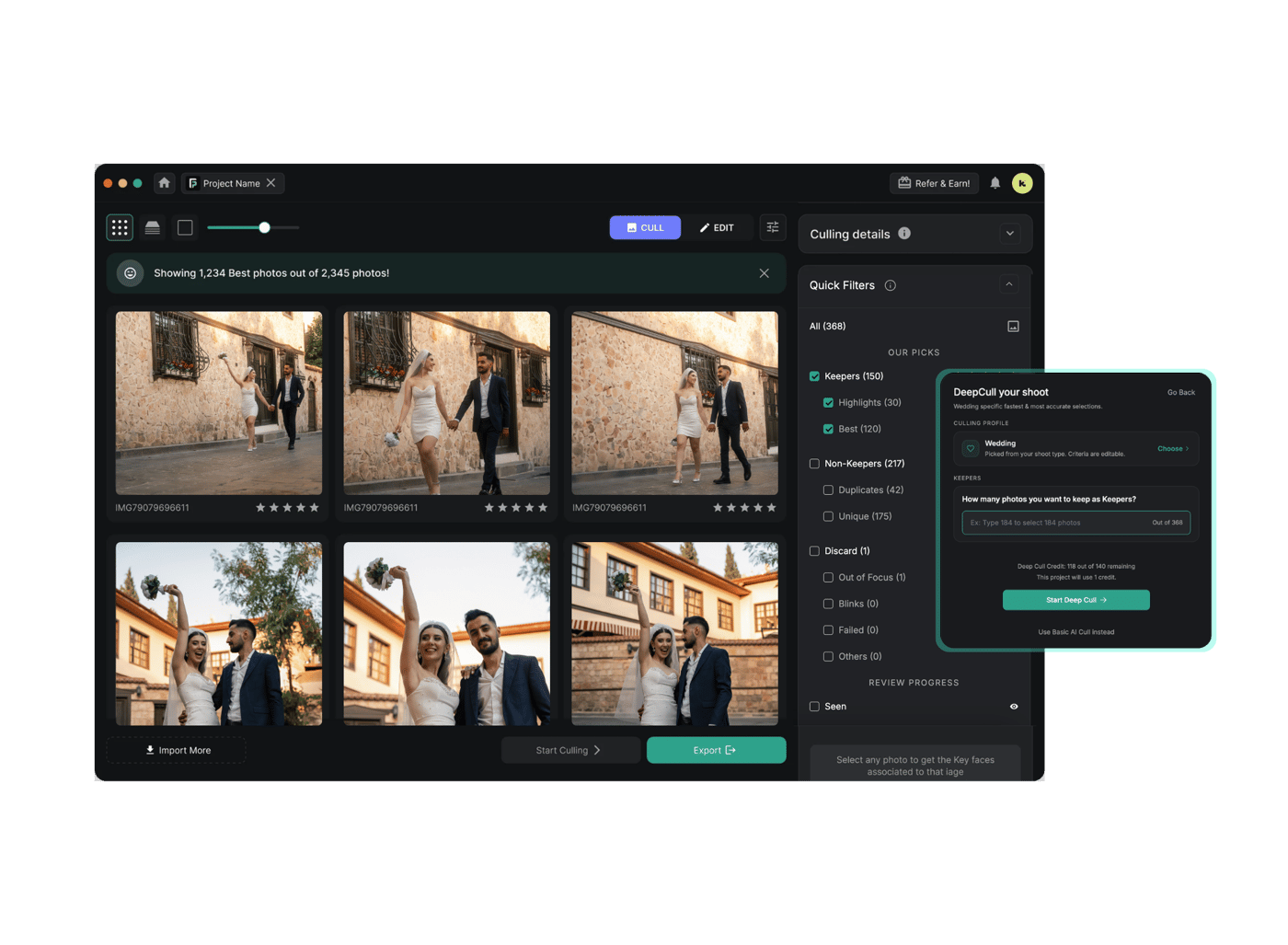
FilterPixel is the app 14,000+ event photographers use to cull and edit the whole shoot.
3 free projects · up to 1,000 photos each · no credit card
Quick answers.
Drop the file on this page, wait a few seconds, then download the JPG. There is nothing to install and no account. It runs in the browser, so it works on Windows, Mac, a phone or a tablet.
Most NEFs have a full-size JPEG inside, made by your camera when you pressed the shutter. When it's there we use it. That takes about two seconds and the colour is your camera's own.
Some NEFs only hold a smaller one. In our tests that was a D850 file and a Z 6 file. For those we develop the sensor data at full size using the white balance your camera set. It takes six to nine seconds, and the colour is a plain development rather than your Picture Control.
Nikon's raw format. NEF stands for Nikon Electronic Format, and both the DSLRs and the Z mirrorless bodies shoot it. It holds the sensor data plus one or more JPEG previews.
For editing, yes. A NEF holds far more highlight and shadow detail, so you can pull back a blown sky or lift a face out of shadow. For sending to a client, JPG is the one that opens everywhere. Most photographers shoot NEF and deliver JPG.
Nikon's free NX Studio, Lightroom, Capture One, macOS Preview and Windows Photos with the Raw Image Extension all open NEF. If you only need to look at it or send it, converting to JPG is quicker.
JPG throws some data away, but this writes at quality 92 and full resolution, so you won't see it at any normal viewing size. What you do lose is editing headroom: a JPG won't recover highlights the way the NEF will. Keep your raw files.
Up to 25 at a time here. Beyond that, uploading is the bottleneck rather than the converting, so a few thousand frames are far better done in FilterPixel, where your raw files stay on your computer.
Built for photographers.
Free, no account. Your raw is deleted as soon as it is converted, and the JPG half an hour after that.