

TEAMSFor in-house photo teams & studios

Photography workflow software for teamsOne standard for every photographer. Whoever shot the event.

Every photographer on your team culls with the same DeepCull standard and edits with a profile for a consistent look. Output stays consistent across shooters, and busy weeks stop turning into backlogs that need another editor.

School districts, churches and multi-sport facilities already use FilterPixel. DeepCull and editing profiles are live for every photographer. Central team admin is in early access.
6scores per photo, each with a reason
10,000photos per event DeepCull can cull
6scores per photo, each with a reason
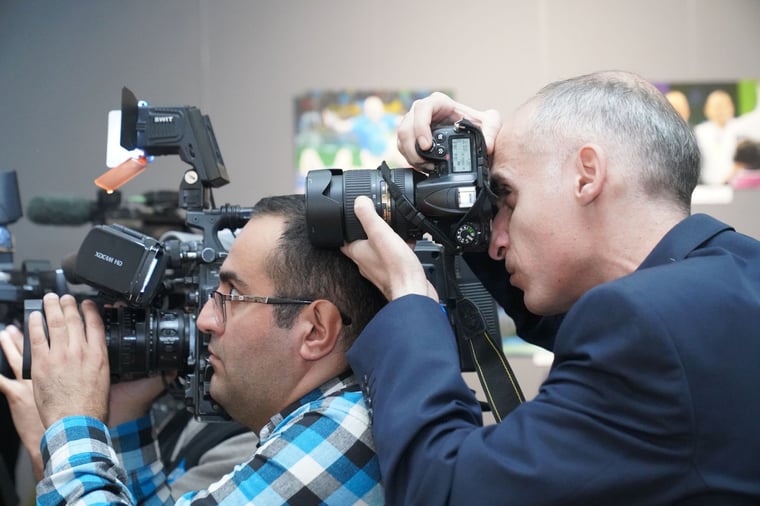
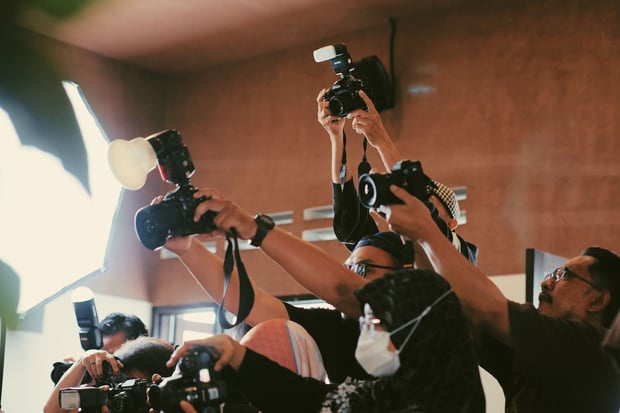
Photographers covering an indoor eventEvents
Graduates seated at a graduation ceremonyGraduation
Two people reviewing photo prints on a tableReview
Congregation at a worship service under stage lightsWorship
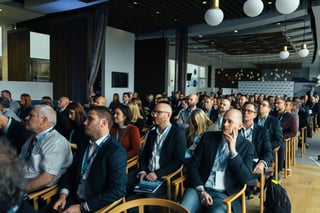
Audience listening at a business conferenceConferences
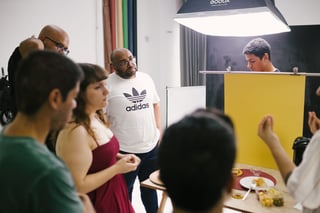
Group of photographers working together in a studioStudio team
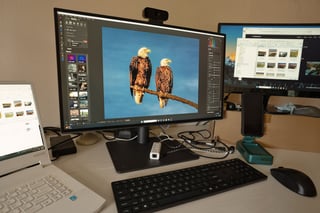
Photo editing desk with multiple monitorsEditing
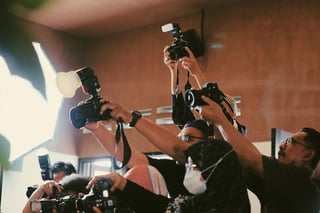
Photographers capturing an indoor event with flashCoverage
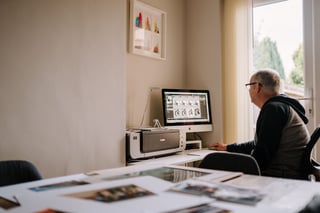
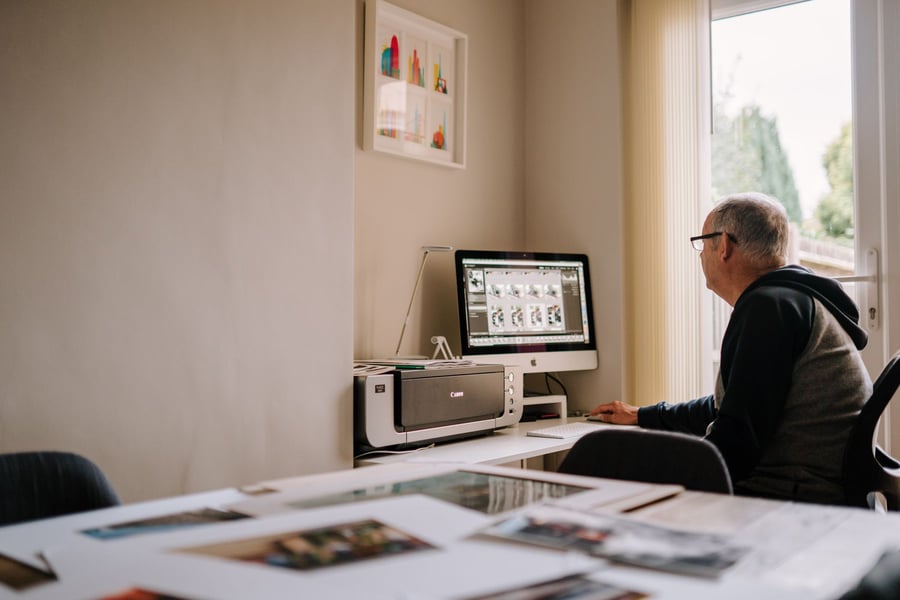
Photographer editing photos at a computerBacklog
Quick answer

What is photography workflow software for teams?

Photography workflow software manages what happens after a shoot: culling, editing, delivery and storage. Team workflow software gives a group of photographers one shared way to choose and edit, so instead of every person culling and editing in their own style, the whole team works to one selection standard and one look, so the output is consistent no matter who shot it. FilterPixel covers selection and editing today with DeepCull and editing profiles; central team admin is in early access.

  1. CullThe same DeepCull standard for every photographer.
  2. EditA consistent look from editing profiles.
  3. ManageSeats, profiles and reporting in one place. Early access.
Photographer editing photos at a computer late in the week
A busy event week

Five events, four photographers, one backlog.

  1. Monday

    A board dinner, shot by a part-time photographer. Nobody has culled it yet.

  2. Wednesday

    Graduation. Two photographers, two editing styles, thousands of frames.

  3. Weekend

    A home game and a Sunday service, shot by volunteers.

  4. Next Friday

    Marketing still waits for Monday's photos, and the sets don't match.

  5. With FilterPixel

    Every set is culled to one standard and edited with a consistent look, without a queue for one editor.

How it works

How a photography team works to one standard.

Two people agreeing which photos to keep
01 · STANDARD

Agree one standard.

Choose the DeepCull genre and set up each photographer's editing profile.
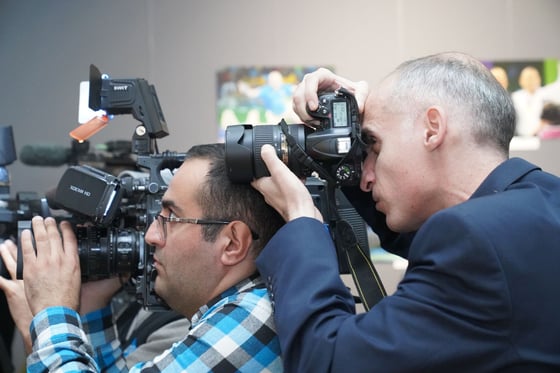
Photographers covering an event
02 · SHOOT

Every photographer uploads.

Staff, freelancers or volunteers, each with their own DeepCull account.

03 · CULL

Culled to the same standard.

Six scores per photo, each with a reason. Blur, closed eyes and near-duplicates removed. Live today.
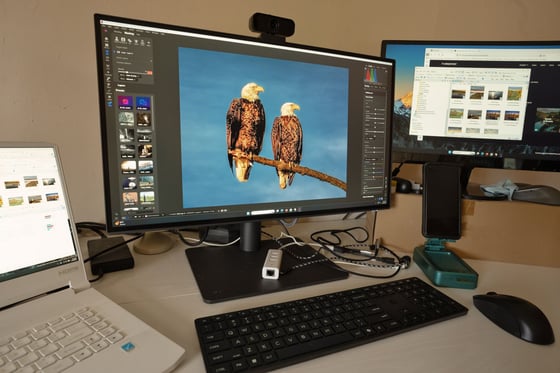
Photo editing desk with multiple monitors
04 · EDIT

A consistent look on every shoot.

Editing profiles apply one look to each shoot. Shared team profiles are early access.

New to automatic culling? Read the event photography workflow guide.
Why FilterPixel

A system for the team, not a personal tool.

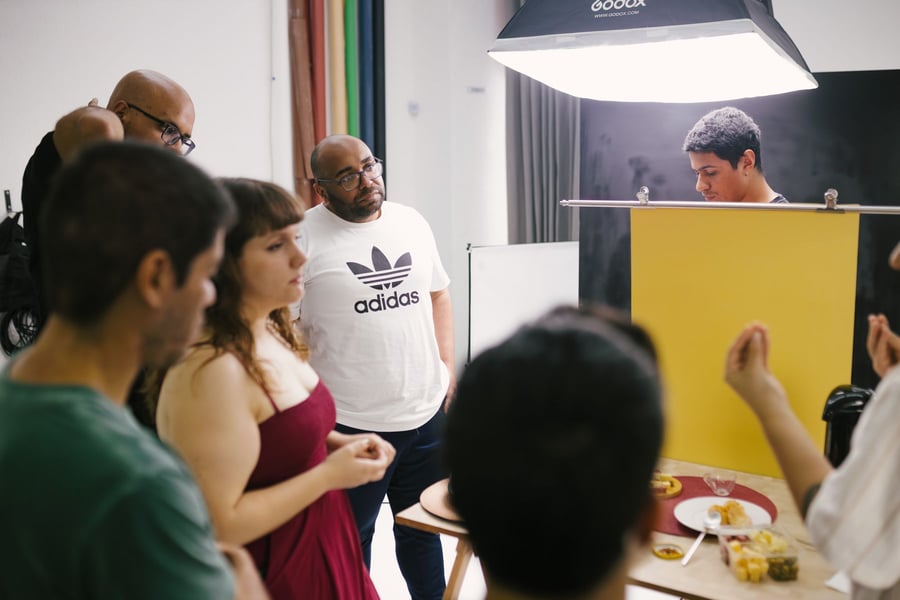
Group of photographers working together in a studio
Consistency

Output that looks like one team made it

Selection and editing stop depending on who shot the event or who edited it. New and part-time photographers work to the same standard from their first shoot.
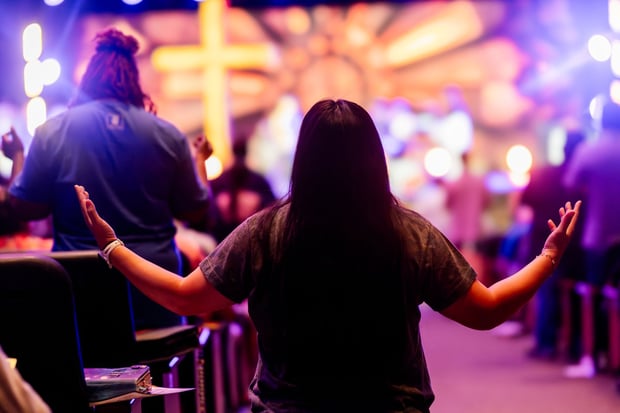
Congregation at a worship service under stage lights
Live today

Used by schools, churches and multi-sport facilities

Photographers capturing an indoor event with flash
Capacity

Clear the backlog without adding editors

For event teams

Photos to guests during the event

"One of the biggest pain points in organizing any event is sharing the pictures. By the time you do, the social moment is gone. People get their photos right there, and they share them right away." Farish CV, Head of Google for Startups Accelerator (India), on live event photo delivery.

Compare

Team photography workflow software vs the usual approaches.

JobEach photographer's own toolsOutsourced editingDAM onlyFilterPixel
One selection standardDepends on each personDepends on the editor assignedNot the focus: stores finished photosSame DeepCull standard · live today
One look across shootsPresets applied by handStyle guide applied by peopleNot the focusEditing profiles live · shared team profiles early access
A busy event weekBacklog grows with every eventPaid per image, wait for turnaroundNot the focusCulling and editing run automatically
Reasons behind each pickIn the photographer's headRarely recordedNot the focusSix scores with reasons
Store, search and shareFolders and drivesNot the focusCoreNot the focus: keep your library
Central admin, seats and billingPer personPer vendor contractVariesEarly access

Personal tools include Adobe Lightroom, Photo Mechanic and Narrative Select, and Aftershoot also sells studio plans. Outsourced editing services include ShootDotEdit. DAM platforms include PhotoShelter for Brands, Canto and Bynder. Features vary by vendor and plan, so check each vendor's current documentation.

Who it's for

For teams that shoot more than one editor can handle.

01

Schools & universities

District and campus photo offices covering graduations, athletics and campus life.

02

Churches & ministries

Staff and volunteer media teams shooting services and events every week.

03

Corporate in-house teams

Creative and communications teams covering conferences, town halls and launches.

04

Multi-photographer studios

Event and volume studios sending several photographers to one busy weekend.

What a team setup includes

  • DeepCull for every photographerEach with their own account. Live today.
  • Genre-tuned cullingConference, sports, wedding and portrait. Live today.
  • Six scores with reasonsFor every photo, up to 10,000 per event. Live today.
  • Editing profilesOne consistent look across a shoot. Live today.
  • Central team adminSeats and access in one place. Early access.
  • Centrally managed profilesUpdate the team look once. Early access.
  • Consolidated billingOne agreement for the team. Early access.
  • Usage reportingVolume across photographers. Early access.

Covering conferences with a team? See conference photography.

Talk to us

Put your whole team on one standard.

Tell us how many photographers you have and what a busy week looks like.

  • A DeepCull walkthrough for the events you shoot
  • Editing profiles for one consistent look
  • Early access to central team admin
DeepCull live todayTeam admin in early accessTeam terms agreed in writing

Talk to us

Tell us about your photo team.

Please add your name.
Please add your organization.
Please enter a valid work email.
Add your country code, e.g. +1 415 555 0134.

By submitting, you agree to our Privacy Policy. Prefer to talk? Book a call with us.

FAQ

Photography workflow software for teams FAQ

Software that manages the steps after a shoot: culling, editing, delivery and storage. Individual photographers often combine tools, such as Photo Mechanic or Narrative Select for culling, Lightroom for editing and a gallery for delivery. Teams also need one standard across every photographer, which is where FilterPixel fits.

It depends on where the work piles up. If the bottleneck is choosing and editing, you need one selection standard and one look for every photographer, which is what FilterPixel does. If the bottleneck is storing and sharing finished photos, you need a digital asset management platform. Many in-house teams use both.

Agree one look and apply it the same way to every shoot. With FilterPixel, every photographer culls with the same DeepCull standard and applies an editing profile, while shared team profiles (early access) keep one look across accounts, so a set looks the same whether a staff photographer, freelancer or volunteer shot it.

Automate the two slowest steps. DeepCull removes blur, closed eyes and near-duplicates, keeps the best frame of every burst and scores every photo with reasons. An editing profile applies one look across the shoot. Your editors review the picks instead of every frame.

Not as a finished product yet. Each photographer can use DeepCull and editing profiles today. Central team admin, seat management, centrally managed profiles, consolidated billing and usage reporting are in early access.

Yes. Each photographer uses DeepCull with their own account, so a volunteer's photos are culled and edited to the same standard as a staff photographer's.

No. FilterPixel covers culling and editing, the steps before photos reach your library. Keep your DAM or shared drive for storage, search and sharing. FilterPixel does not integrate with drives or DAMs today.

DeepCull is trained on conferences and corporate events, sports, weddings and portraits. Many school, church and corporate shoots fall into those genres, such as speakers, ceremonies, athletics and staff portraits.

Up to 10,000 photos per event. Each photo gets six scores, each with a reason, and the best frame of every burst is kept.

Yes, with FilterPixel Live. Guests get their photos during the event by QR code or opt-in selfie matching for adults, with consent first, and your logos can go on every photo. It has been used at Google for Startups events in India and the ET Global Business Summit.

Yes. School districts, churches and multi-sport facilities already use FilterPixel.

Yes. When several photographers cover one event or one busy weekend, each culls to the same DeepCull standard and applies an editing profile, so the client gets a consistent set. Shared team profiles are in early access.

Team terms are agreed in writing. Tell us the size of your team and what a busy week looks like, and we'll put a proposal together.

Updated 16 September 2026